M Host
Meetings made simple for your room.
M Host connects your Windows room device to Zoom.
- Connect Zoom on the room device
Open M Host settings on the device and complete Zoom user sign-in.
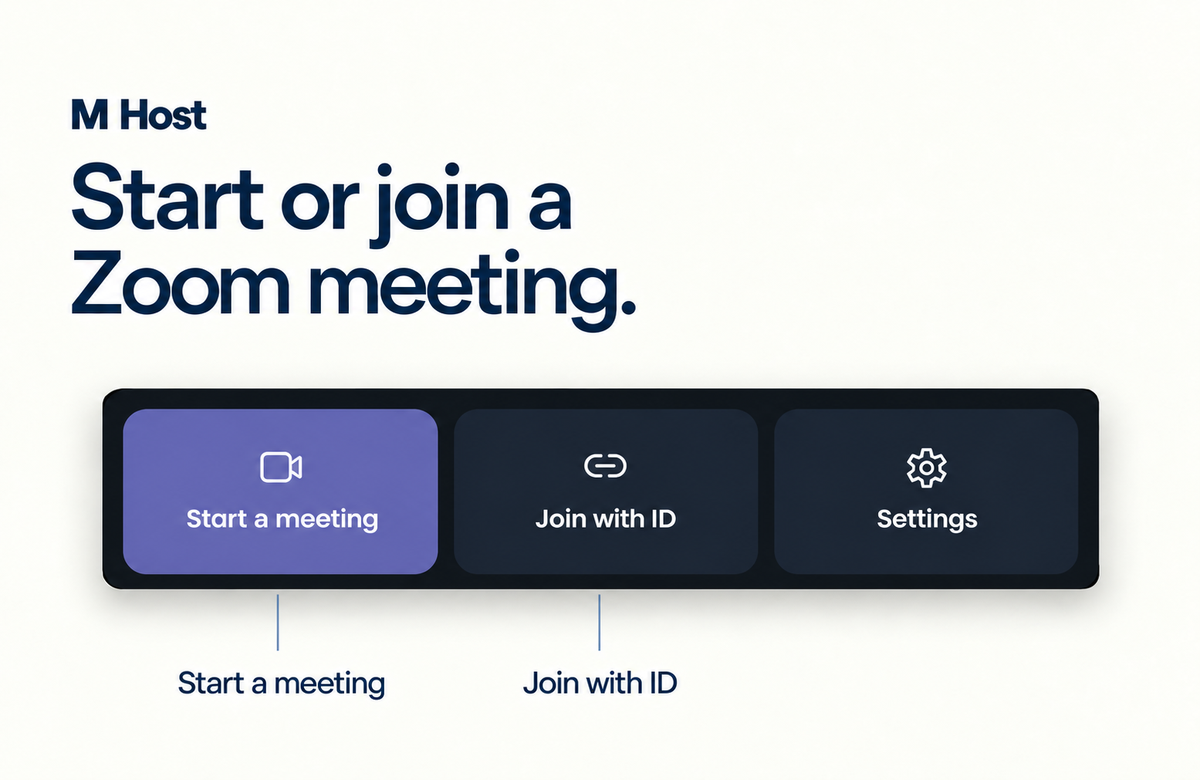
- Start or join a meeting
Start an instant meeting, join with an ID and passcode, or use configured calendar details.
- Use meeting controls
Manage the available camera, audio, people, chat, sharing, recording and transcription controls.